

Checking your decisions
Before submitting your decisions for a ‘run’ by BOSS, it is highly recommended to check that you have not made any mistakes with your decisions by looking at the “Errors, Warnings & Highlights” chart.
• Errors indicate inconsistencies in your decisions that need to be corrected.
• Warnings are shown to draw attention to potential problems.
• Highlights remind you of the key decisions that you have made: product upgrades, corporate projects, etc. You should check your decisions carefully to make sure that all entries are correct.
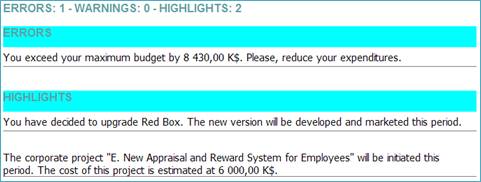
Figure 14 – Sample Errors, Warnings & Highlights Form